Before You Compare Brands
If you are shopping for a medical alert system for yourself or a loved one, the sheer number of options can feel overwhelming. Dozens of companies, multiple device types, add-on features, pricing tiers, and marketing claims all compete for your attention.
Here is the good news: choosing the right system is simpler than it looks. You do not need to compare every brand and every feature. You need to answer five questions about your specific situation, and the answers will narrow the field to two or three options that fit.
This guide walks you through those questions, explains the key features and what they actually mean, flags the things to watch out for, and gives you a clear framework for making a confident decision.
The 5 Questions That Matter
1. Home Only or Home and Away?
This is the single most important question because it determines which category of device you need.
Home-only systems include a base station that sits in the home and a wearable help button (pendant or wristband). When the button is pressed, the wearer communicates through the base station's speaker and microphone. Coverage range is typically 600 to 1,400 feet from the base station. These are more affordable and simpler to use.
Mobile GPS systems are standalone devices the wearer carries outside the home. They work anywhere with cellular coverage and include built-in GPS so the monitoring center can locate the wearer in an emergency. These cost more but provide protection everywhere.
Combination systems include both a home base station and a mobile device. The system transitions automatically between the two. This is the most complete option but also the most expensive.
How to decide: If your loved one spends 90 percent or more of their time at home — in the house, garage, and immediate yard — a home-only system is sufficient and saves money. If they regularly leave home for errands, walks, social activities, medical appointments, or travel, a mobile or combination system is worth the extra cost.
2. Is Fall Detection Needed?
Automatic fall detection uses sensors in the device to detect when the wearer has fallen and automatically alerts the monitoring center — even if the wearer is unable to press the button.
Fall detection is strongly recommended if the person has fallen in the past 12 months, takes medications that list dizziness or lightheadedness as side effects, has a condition affecting balance such as Parkinson's disease, neuropathy, or vertigo, lives alone and might not be found quickly after a fall, or has cognitive impairment that might prevent them from pressing the help button.
If none of those apply, the manual help button provides strong baseline protection and you can save $5 to $10 per month by skipping fall detection.
Fall detection typically adds $10 per month to the monitoring cost. LifeFone includes it free on the At-Home & On-the-Go plan. No system detects 100 percent of falls — expect 80 to 95 percent accuracy for hard, sudden falls.
3. How Important Is the Caregiver App?
A caregiver app connects you, the family member, to your loved one's medical alert system through your smartphone. The best apps offer real-time GPS location, geofencing alerts, activity monitoring, and emergency notifications.
If you live far from your parent and want daily visibility into their safety and activity, a robust caregiver app is worth paying for. Medical Guardian's MyGuardian app is the best in the industry.
If you live nearby, check in regularly in person, or just want to know they can reach help in an emergency, a basic caregiver portal is sufficient. Bay Alarm Medical and MobileHelp both provide functional portals without the premium price.
4. What Form Factor Will They Actually Wear?
Compliance is the silent factor that determines whether a medical alert system works. If the wearer leaves the device in a drawer, on the nightstand, or on the charger, it provides zero protection.
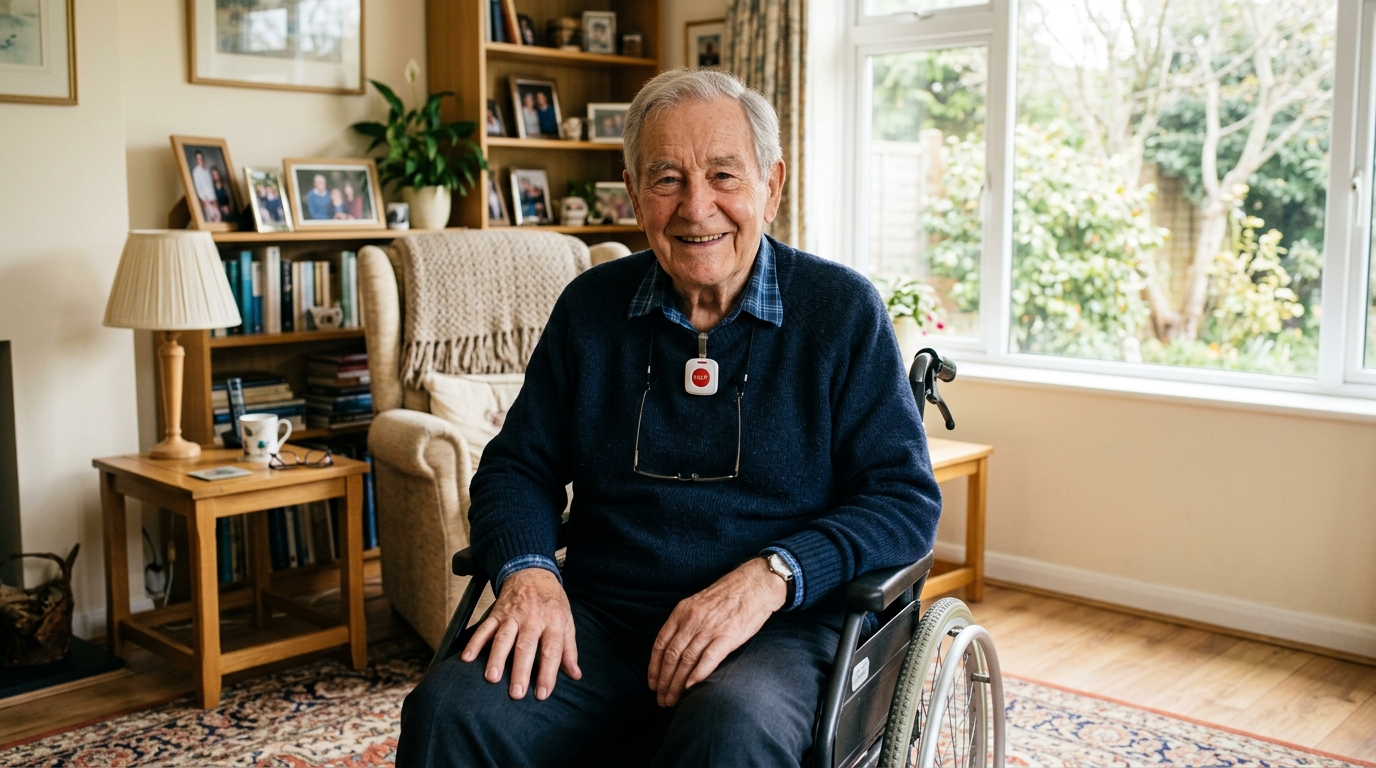
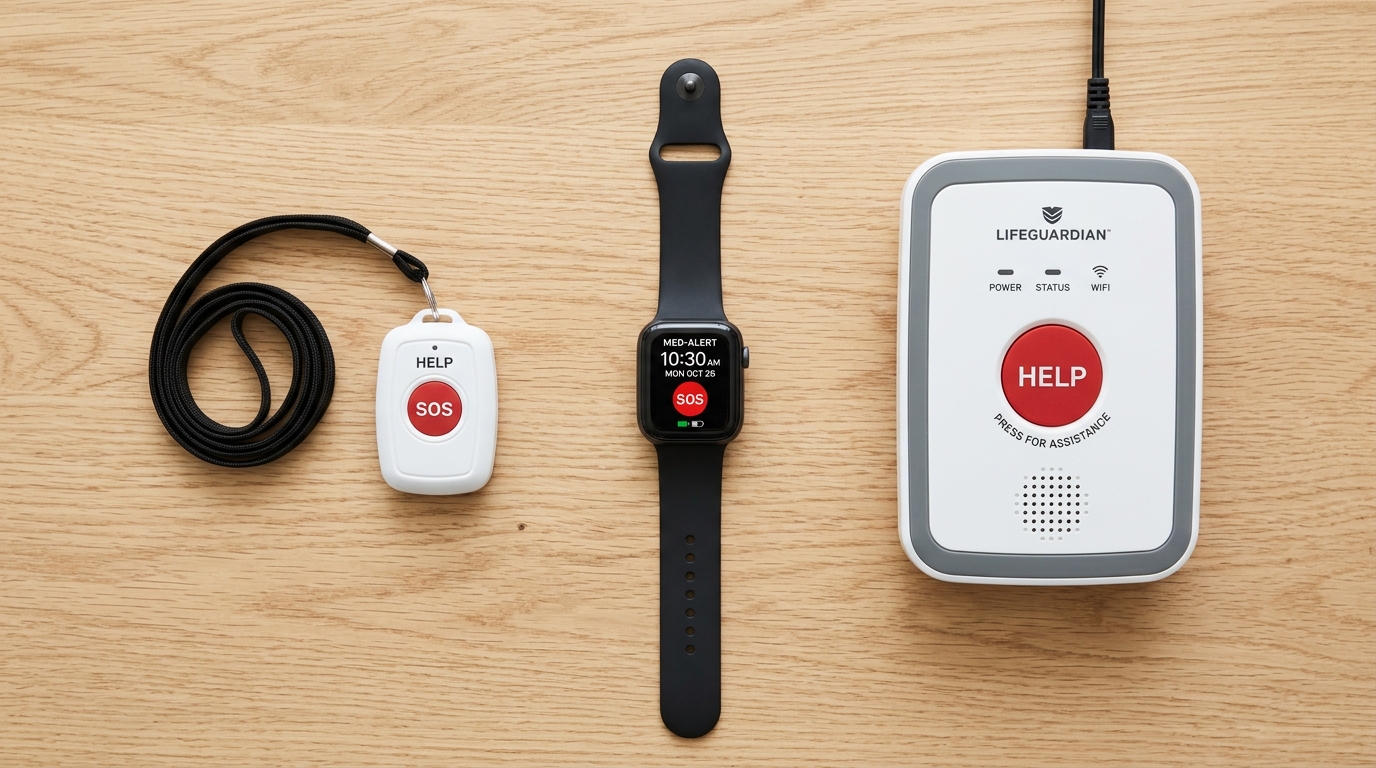
Pendants hang from the neck. Some seniors find them comfortable and convenient. Others refuse to wear them because they look medical or feel bulky. Most pendants are waterproof and can be worn in the shower.
Wristbands strap to the wrist like a watch band. They are less conspicuous than pendants and stay on more consistently since they are less likely to be removed for comfort. A good option for people who dislike necklaces.
Smartwatches look like regular watches and include health tracking features alongside the SOS button. The best option for seniors who resist wearing medical-looking devices. Bay Alarm Medical's SOS Smartwatch is the leading option in this category.
Clip-on mobile devices attach to a belt or fit in a pocket. These work well for active seniors who leave the house but do not want something on their wrist or neck.
Ask your loved one what they would actually wear. If they have a strong preference, honor it. The best system is the one they will have on when they need it.

5. What Is the Budget?
Medical alert systems range from about $20 to $50 per month. Here is how pricing breaks down.
Under $25/month: Basic home-only coverage. MobileHelp Classic ($19.95) and LifeFone At-Home Landline ($24.95) are the leaders. Reliable monitoring at the lowest cost.
$25-$35/month: The sweet spot for most families. Bay Alarm SOS Home ($27.95) offers the fastest response time at an affordable price. LifeFone At-Home Cellular ($29.95) adds the value of free spouse coverage.
$35-$50/month: Home and mobile combination systems, smartwatches, and premium features. MobileHelp Smart ($41.95), Bay Alarm SOS Smartwatch ($39.95), and Medical Guardian Active Guardian ($46.95) are the standout options here.
Add $10 per month for fall detection with most providers, or choose LifeFone's At-Home & On-the-Go plan ($39.95) where it is included.
Features That Matter
Response time. The most critical performance metric. Look for companies that publish their average response time and aim for under 40 seconds. Bay Alarm Medical leads at 31 seconds.
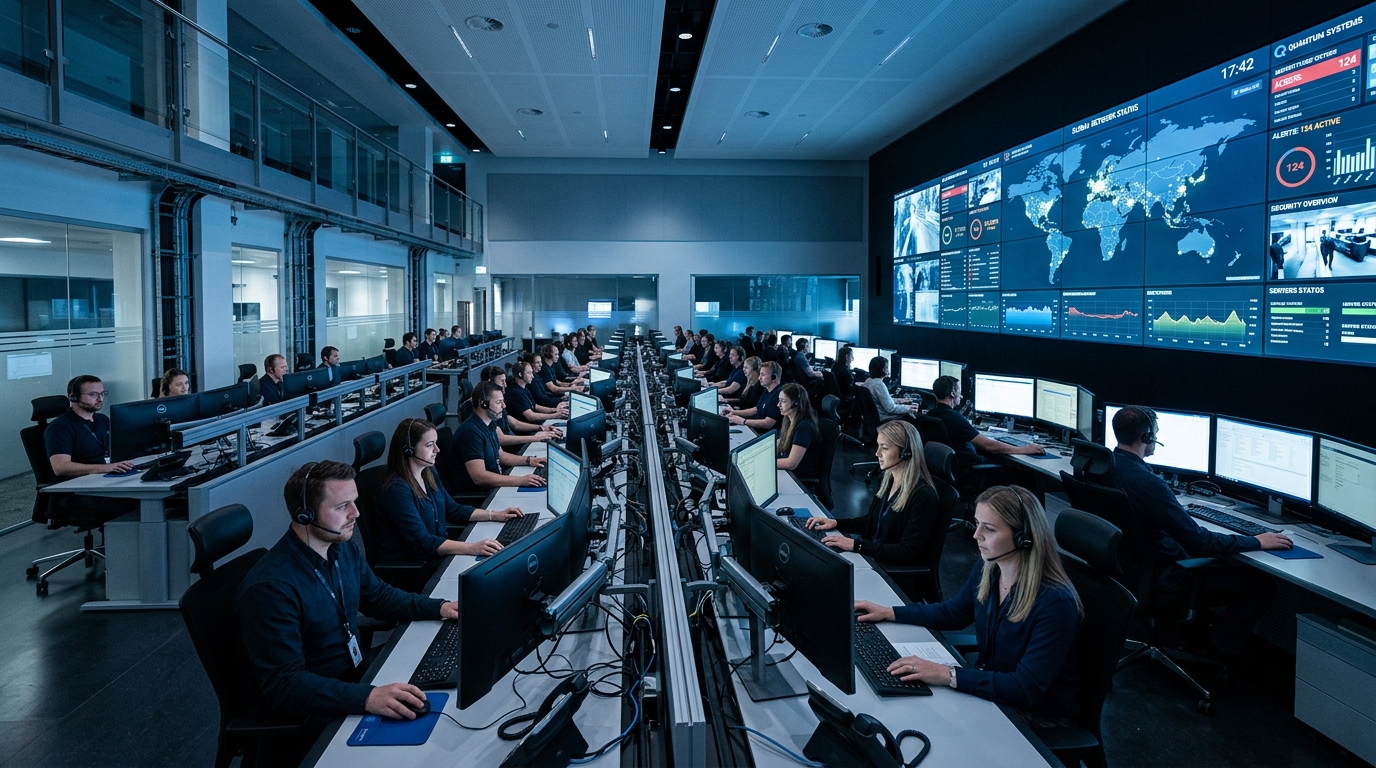
Monitoring center certification. The monitoring center should be UL-listed and Five Diamond-certified by The Monitoring Association. This ensures professional staffing, redundant communication, and established emergency protocols.
Two-way voice. The ability to speak with the monitoring operator through the device. Essential for the operator to assess the situation and provide reassurance. Every system we recommend includes this.
Water resistance. The help button should be waterproof or highly water-resistant since many falls happen in the bathroom and shower. Look for IP67 or higher ratings.
Battery backup. Home base stations should have backup battery power for outages. Most quality systems provide 24 to 32 hours of backup.
No long-term contract. Month-to-month billing with a 30-day money-back guarantee is the industry standard for reputable providers. Do not sign a long-term contract.
Red Flags to Watch For
Long-term contracts. Any company requiring a 12-month or multi-year contract is a warning sign. The best providers offer month-to-month billing because they are confident you will stay.
Large upfront equipment fees. Reputable companies include equipment at no extra charge. If a company charges $100 or more for the device upfront on top of the monthly fee, shop elsewhere.
No published response time. If a company will not share its average response time, assume it is slow. Companies with fast response times advertise them prominently.
Uncertified monitoring centers. If the monitoring center is not UL-listed, there is no independent verification that it meets quality standards. This is non-negotiable.
Pressure sales tactics. High-pressure phone sales, artificial urgency, and limited-time offers that seem too aggressive are signs of a company prioritizing commissions over customer fit. Walk away.
Unclear cancellation policies. Before signing up, confirm in writing how to cancel, what fees apply (there should be none), and what to do with the equipment.
Our Quick Recommendation Framework
If you just want a fast answer based on the most common situations:
Budget home protection: Bay Alarm Medical SOS Home — $27.95/month, fastest response, simple setup.
Couple on a fixed income: LifeFone At-Home & On-the-Go — $39.95/month, spouse coverage free, fall detection included.
Active senior who leaves home: MobileHelp Smart — $41.95/month, home and mobile coverage, 5-day battery.
Senior who resists wearing a device: Bay Alarm Medical SOS Smartwatch — $39.95/month, looks like a regular watch.
Family that wants remote monitoring: Medical Guardian Active Guardian — $46.95/month, MyGuardian caregiver app with GPS and geofencing.
The Bottom Line
Choosing a medical alert system comes down to five decisions: home or mobile, fall detection or not, caregiver app priority, form factor preference, and budget. Once you have answers to those questions, the right system is usually obvious.
Do not get paralyzed by feature lists and marketing claims. Focus on the fundamentals — a reliable monitoring center, a fast response time, a device your loved one will actually wear, and a fair price without a contract. Get those right and everything else is a bonus.